Documentation for Math2Model
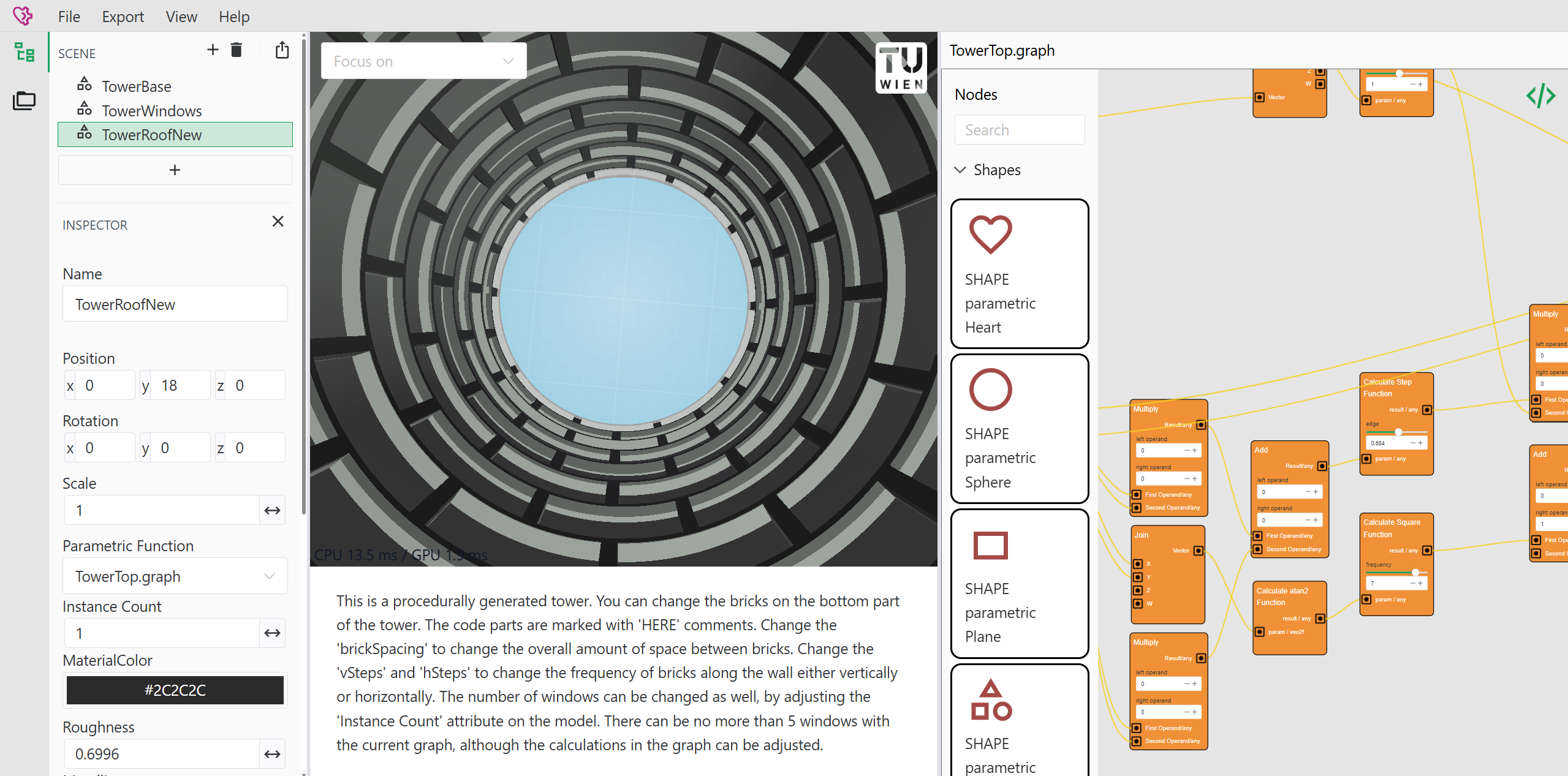
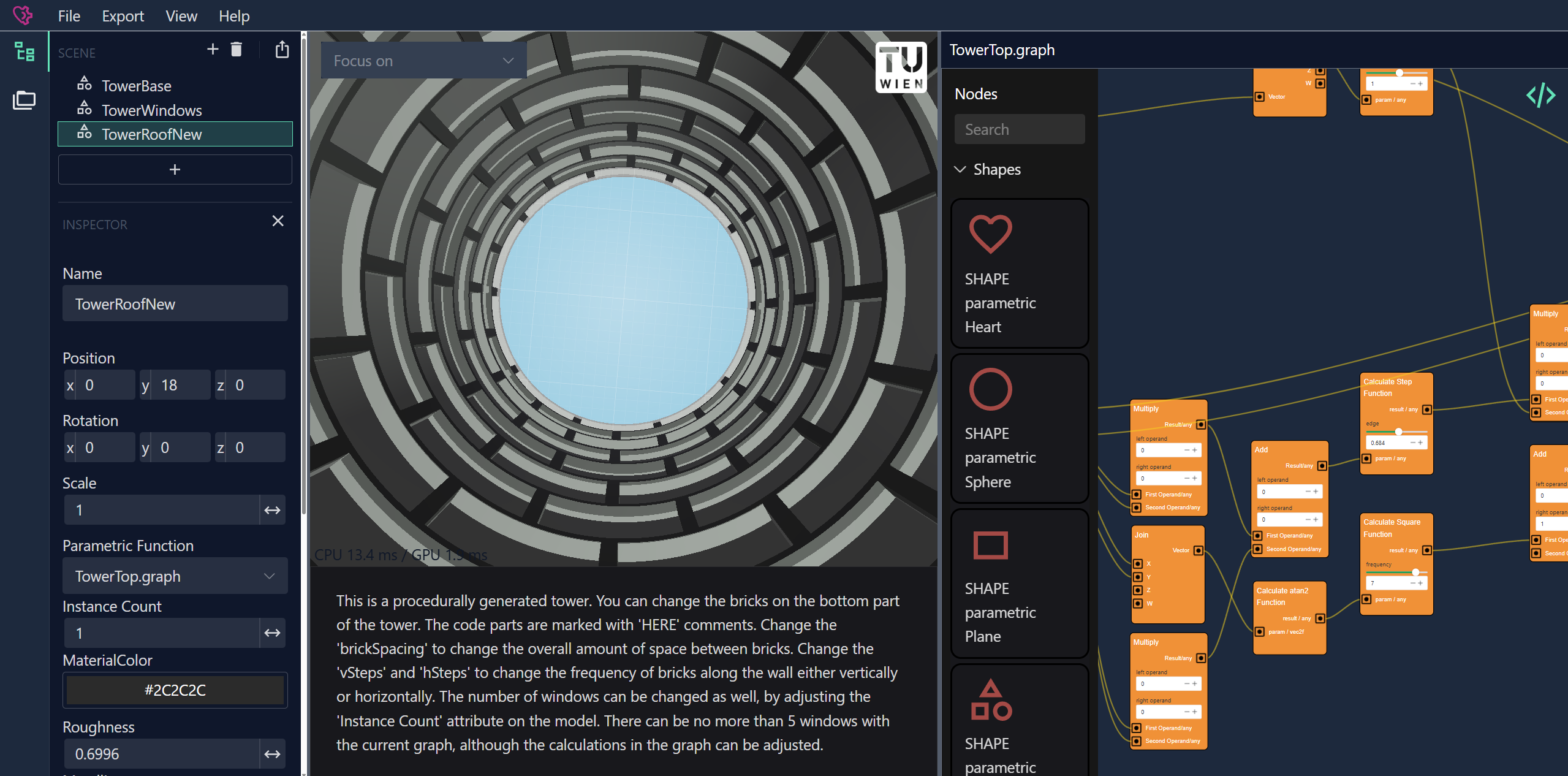
Math2Model is a tool for creating scenes with parametrically defined 3D objects. It offers two modeling modes: Code-based and node-based modeling.
The modeled objects can be exported into 3D mesh file formats.
What is Math2Model?
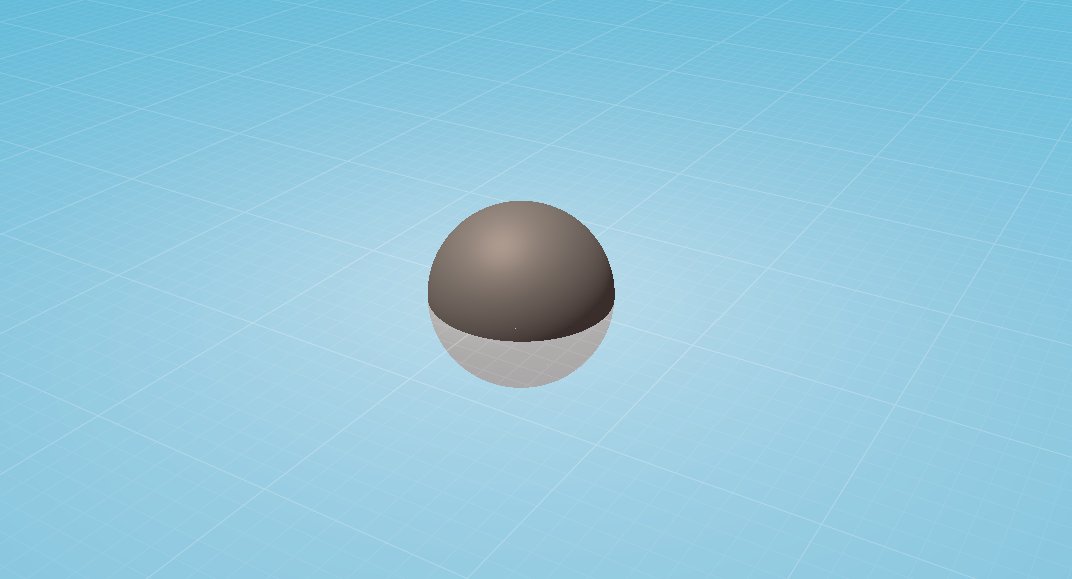
It is a tool that allows the instant rendering of mathematical functions given in parametric form (with two parameters as input). One simple example would be rendering a sphere model in parametric format:
fn sampleObject(input: vec2f) -> vec3f {
    let parameters = vec2(input.x, 2.0 * input.y) * 3.14159265359;
    let x = sin(parameters[0]) * cos(parameters[1]);
    let y = sin(parameters[0]) * sin(parameters[1]);
    let z = cos(parameters[0]);
    return vec3(x, y, z);
}
This code produces the following output:
Who is Math2Model for?
Math2Model is a tool for anyone who wants to render mathematical functions in real time or create parametric models with feedback in real time. It features two user interfaces: One for programmers, where they can directly describe those mathematical objects in source code, and another user interface for non-programmers, which allows parametric modelling through a node editor.
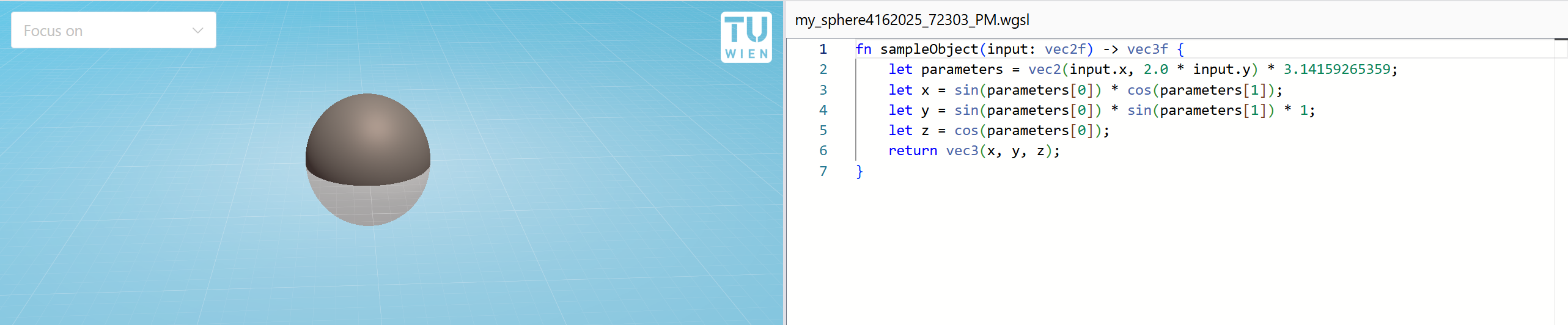 Sphere example in code editor
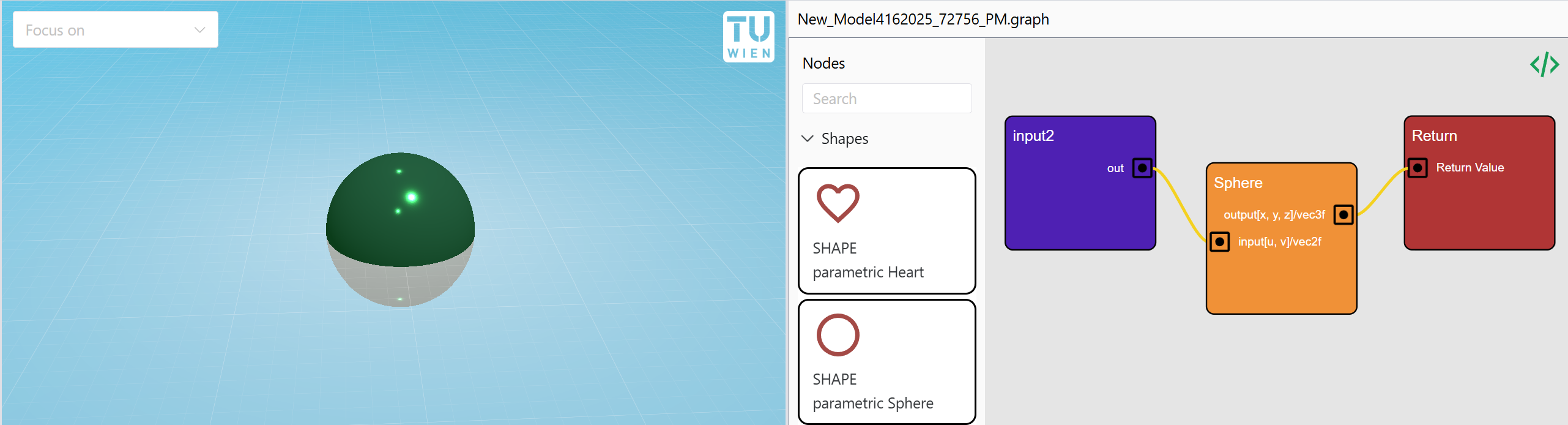 Sphere example in code graph
How does it work?
To start a new project, go to math2model.cg.tuwien.ac.at and create a new project via File -> New. Then create a new parametric object by using the + button, and choose whether to model it through code or through the node editor (see images above).
UI Overview
The Math2Model user interface (UI) supports a set of features that are described on the UI Overview page.
Graph-based objects
3D objects can be modeled using a visual, node-based editor that is described on the Graph-based shapes page.
Programmatic objects
An alternative way to model 3D objects is through code. This approach allows for more freedom and flexibility than node-based modeling, and allows the creation of shapes that are difficult to express in the graph-based approach. However, this approach requires coding or scripting skills---preferably with a shader programming language.
More details are described on the Programmatic shapes page.
Exporting scenes
Parametrically modeled objects can be exported to 3D file formats for further usage. This is described on the Exporter page.